Choose two clear dog photos
Use one dog per image. Show the face, ears, coat markings and paws where possible. You do not need a kitchen background, coffee cup or matching breed.
YOUR DOGS · THEIR COFFEE BREAK
Give each dog a role in the coffee-making mess. Upload one clear photo per dog: the dog on the right handles the spoon and red mug, while the dog on the left pours the water and milk.
Watch our two-dog result and see the original photosREAL TEST · TWO PHOTOS TO VIDEO
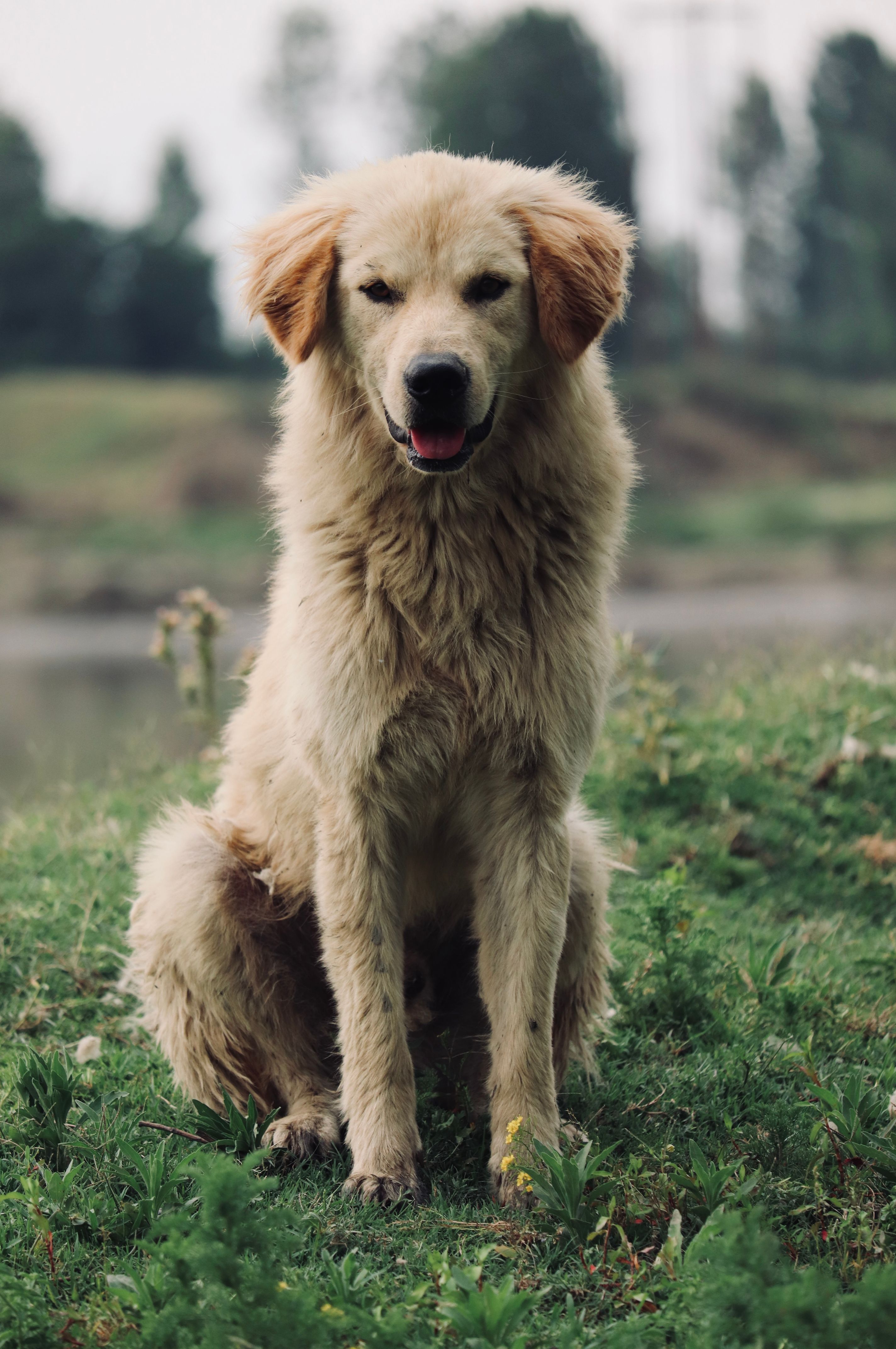
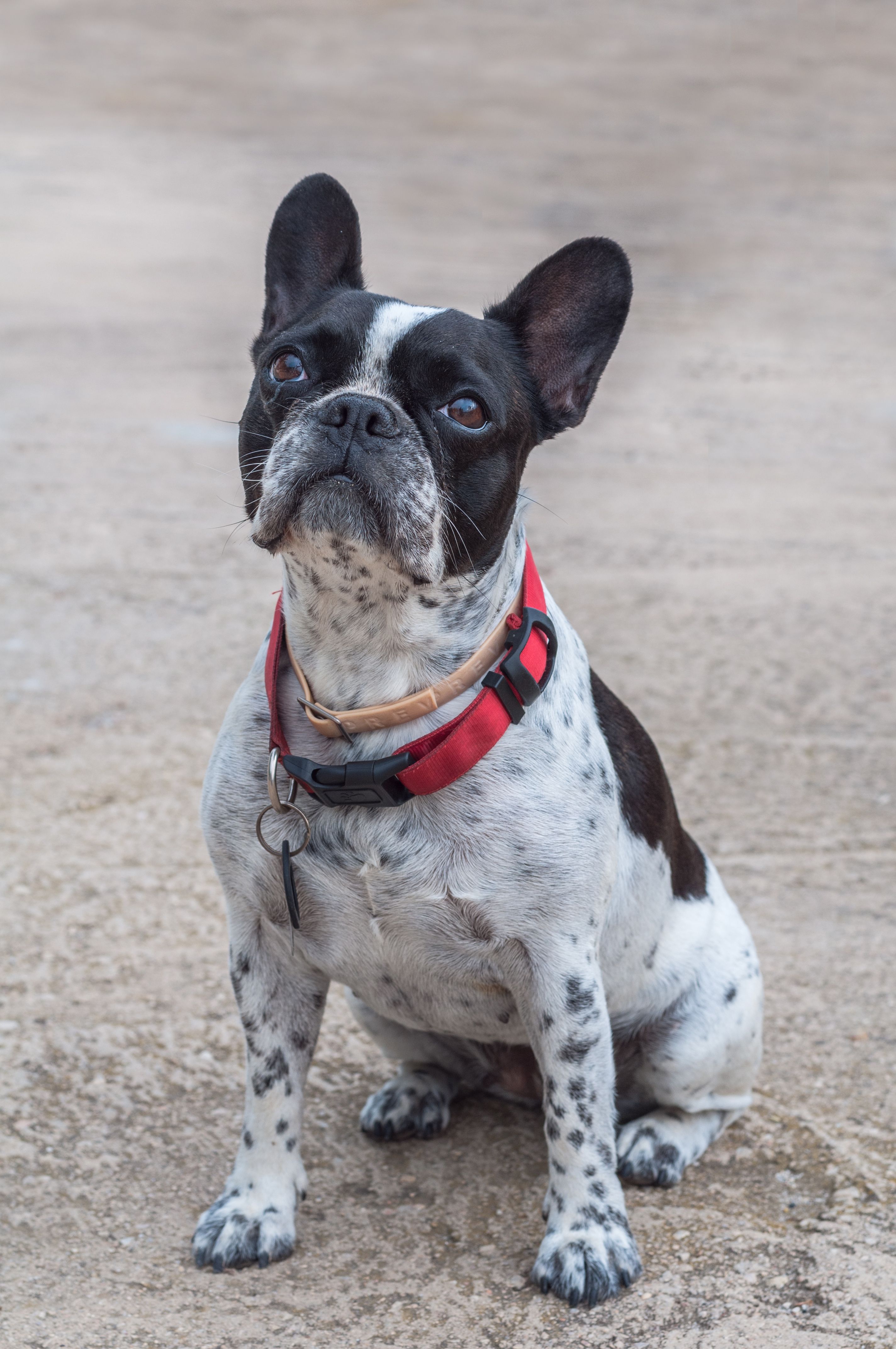
An actual test result using these two photos. Music was added after generation. Timing and character details can vary between renders.
Create the scene with your own two photos.
Use one dog per image. Show the face, ears, coat markings and paws where possible. You do not need a kitchen background, coffee cup or matching breed.
Photo 1 becomes the dog on the right with the spoon and red mug. Photo 2 becomes the pouring partner on the left. Check the order before submitting.
Watch both dogs, paws, mug and pouring sequence. Download with fixed music, or choose the silent file and add a permitted sound when posting.
The Golden Retriever and French Bulldog shown here were generated from the two displayed input photos. The accepted test is 15 seconds at 720 × 1280, in a 9:16 frame. Provider processing took 482 seconds in this one test. Other breeds, settings and repeated success rates are not established by this sample; timing and character details can vary.
This workflow needs two separate images, with one dog per photo. Crop a suitable group photo into two images only when each dog remains clear.
Our published example uses two different breeds. Keep each dog’s face, coat markings and body shape visible. This sample does not guarantee the same result for every breed or pose.
This page makes the two-character kitchen comedy where coffee and milk miss the cup. Watch the preview to check that this is the scene you want.
One 15-second 480p video is $9.90 (30 credits); one 15-second 720p video is $14.90 (68 credits); 3 720p videos are $34.90 (204 credits). These are one-time USD prices. Applicable taxes appear at checkout. See Pricing for all packs.
There is no free generation or signup credit. Buy a pack once; there is no subscription or automatic renewal. Purchased credits do not expire. Viewing examples and choosing photos for a local preview do not charge your card.
Use two separate JPG, PNG or WebP images, up to 10 MB each. Keep one clear subject in each image, with the face and identifying details visible. Avoid group photos, heavy blur and hidden faces. Convert HEIC to a supported format before uploading.
New videos are 15 seconds, vertical 9:16, at 480p or 720p. The public Golden Retriever + French Bulldog example was actually generated at 720 × 1280 pixels, 24 fps. It validates that one 720p result; 480p has not had a separate public real-generation test.
The published test took 482 seconds, about 8 minutes, at the video provider. This is one result, not a delivery-time promise; queues and processing can add time. You can return to My videos in your account to follow the same task. Do not submit a second paid task just because the first is still processing.
The website adds a fixed soundtrack after generation. The same task provides a version with music and a silent version, with no second generation charge. To choose a TikTok or Instagram sound, download the silent version and add a sound you are allowed to use inside that platform. We do not promise an identical soundtrack to every viral reference.
When the task is confirmed failed, the credits used by that task are returned automatically to your account balance. Queued or processing means it is still running. Returned credits are not a cash refund to your card. Contact support if you need help with a task.
Watch the whole video before posting. Identity, anatomy, props and timing can vary; a completed task is not automatically a technical failure. Email support@coffeemaking.app from your account email with the task ID and a description of the problem. Completing a video does not trigger an automatic rerender, credit return or cash refund because of dissatisfaction; the published refund policy applies.
You can request a refund for a completely unused credit pack within 7 days of purchase. Email support@coffeemaking.app from the buyer's account email with the order reference. Used credits are not automatically refundable. Approved cash refunds go through the original payment provider. Read the Refunds page for the full policy.
Choosing photos previews them on your device. When you submit a generation, both photos are uploaded and sent to the video provider for that task. Uploads are kept for 7 days and finished videos for 30 days unless deleted earlier. Account videos do not automatically become public examples. Download your video before it expires; see Privacy for details.
Sign in with Google or email and password to purchase and generate. Email signup signs you in without a verification email. You provide two photos; the prepared scene and instructions supply the coffee routine. You do not need to write a prompt or install an editing app. Finished files are available in My videos.